
How do I open an account with SBONOVA?
You can open a free SBONOVA account by following these steps:
1.Mobile: Go to www.SBONOVA.com and click on New user? Join now!
Web: Go to www.SBONOVA.com and click on Join Now FREE
Change language: Click on the drop down menu (below the SBONOVA logo) and select your preferred language.

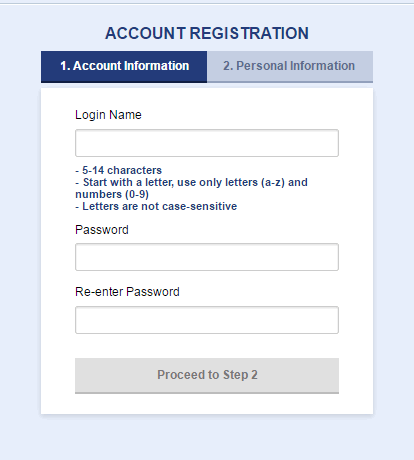
2. Enter your preferred login name and password.
3. Click on Proceed to Step 2.
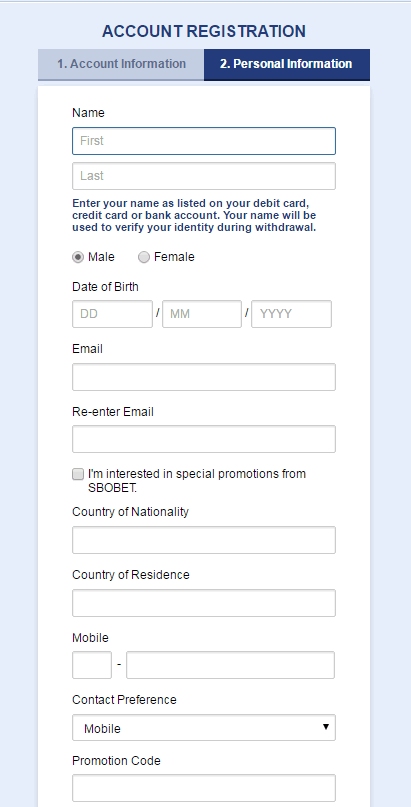
4. Enter your personal information and contact preference.
5. Enter the valid promotion code. Check our Deposit Bonus Promotion offered to new users.
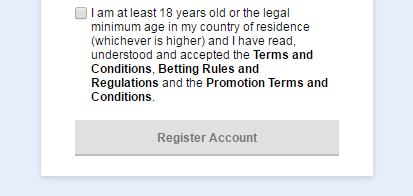
6. Tick to confirm you have read and accepted the Terms and Conditions, Sports Betting Rules, and the Promotion Terms and Conditions.
7. Click on Register Account.
Registration Reference ID: A unique Registration Reference ID is displayed at the top left corner of the page and is used to identify your entire registration process.
Live Chat: Click on the LIVE CHAT icon located at the top right corner of the page for instant help from our friendly advisors.
Was this article helpful?